 Khan Nasir
Affiliate Disclosure: ClickOn24 is reader-supported. When you buy through links on our site, we may earn an affiliate commission at no additional cost to you. As an Amazon Associate we earn from qualifying purchases. Our recommendations are based on independent research.
Also Read


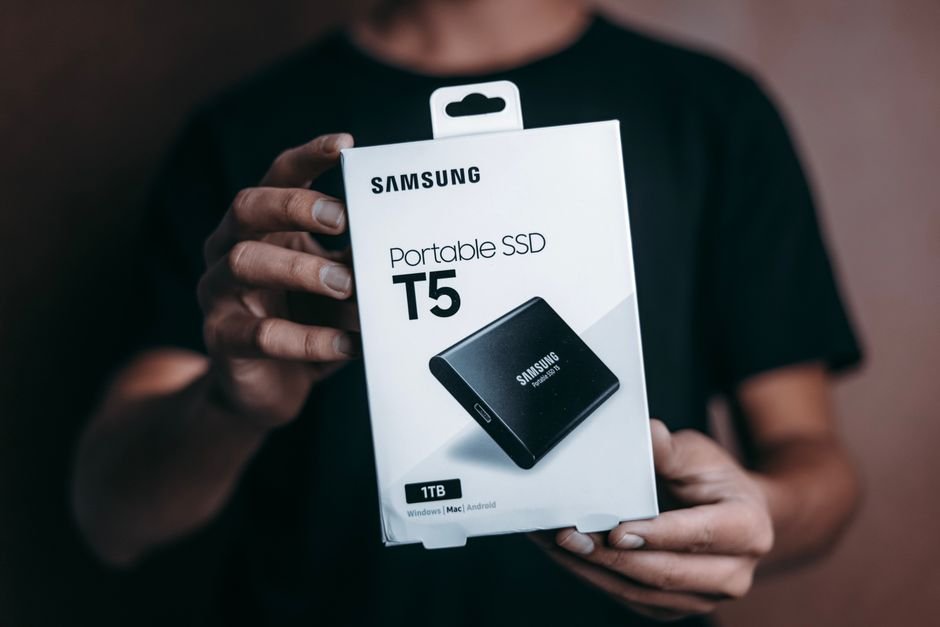
Whether you’re backing up a production database before a risky migration, carrying a portable dev environment between machines, or just making sure your work isn’t trapped on a single failing drive, a portable SSD is one of the most useful pieces of hardware you can own. They’re fast, pocket-sized, shock-resistant, and — unlike old spinning external drives — they have no moving parts to fail when you drop your bag.
But “portable SSD” covers everything from cheap drives that throttle under sustained writes to professional-grade units pushing 2,000+ MB/s. We researched the current market — weighing real-world speed, durability, capacity, and value — to bring you the 8 best portable SSDs for 2026, whether you need everyday backup or pro-level transfer speeds.
Quick Picks
- 🏆 Best Overall: Samsung T7 Shield
- 💰 Best Budget: Crucial X6
- 🛡️ Best Rugged: SanDisk Extreme Portable SSD V2
- ⚡ Best Premium Speed: Samsung T9
- 💾 Best for Everyday Backup: WD My Passport SSD
- 🎬 Best for Creatives/Pros: SanDisk Extreme PRO V2
What to Look for in a Portable SSD
Speed (and the Interface That Limits It)
A drive is only as fast as the slowest link in the chain. Most portable SSDs use one of these interfaces:
- USB 3.2 Gen 2 (10 Gbps): ~1,050 MB/s. The mainstream standard — fast enough for almost everyone.
- USB 3.2 Gen 2×2 (20 Gbps): ~2,000 MB/s, but only if your computer has a matching 20 Gbps port (many don’t).
- Thunderbolt / USB4: The fastest, for pro video and large-dataset workflows — at a premium.
For backup, dev work, and general file transfer, a quality USB 3.2 Gen 2 drive is the sweet spot. Don’t pay for 20 Gbps speeds your laptop can’t actually use.
Capacity
500GB is fine for documents and code; 1TB is the value sweet spot for most people; 2TB+ suits photo/video libraries, VMs, and full-system backups. Buy a size up from what you think you need — drives fill faster than expected.
Durability
If the drive lives in a bag or goes on-site, look for an IP-rated, drop-resistant model (IP65/IP68). SSDs are inherently shock-resistant (no moving parts), but a rugged casing protects against dust, water, and falls.
Compatibility & Encryption
Check the included cables/connectors (USB-C is standard now; you may want a USB-A adapter for older machines), and that it works across your OS mix (Windows, macOS, Linux). For sensitive data, hardware-level AES 256-bit encryption is a valuable feature.
The 8 Best Portable SSDs for 2026
1. Samsung T7 Shield — Best Overall
The Samsung T7 Shield is the portable SSD we’d recommend to almost anyone. It pairs the proven, reliable T7 platform with a rugged, grippy rubberized casing that’s IP65-rated against dust and water and survives drops up to three meters. Speeds of up to ~1,050 MB/s read over USB 3.2 Gen 2 are plenty for backups, file transfers, and working directly off the drive, and it maintains performance well under sustained loads thanks to good thermal management. It’s reasonably priced, widely available in 1TB/2TB/4TB, and backed by Samsung’s reliability. The ideal balance of speed, durability, and value.
- ✅ IP65 dust/water resistance + 3m drop protection
- ✅ ~1,050 MB/s read; holds speed under sustained writes
- ✅ Hardware AES 256-bit encryption
- ✅ Reliable Samsung platform, great value
- ❌ Capped at 10 Gbps (not the fastest on paper)
Interface: USB 3.2 Gen 2 | Speed: ~1,050 MB/s | Best for: Everyone — backup, dev, on-the-go
2. Crucial X6 — Best Budget
If you want dependable SSD backup without overspending, the Crucial X6 is the value champion. It’s compact, light, and delivers up to ~800 MB/s — slower than premium drives, but far faster than any hard drive and more than adequate for backups and everyday file storage. It comes in capacities up to 4TB at aggressive prices, making it a brilliant way to get a lot of fast, reliable storage cheaply. The casing is plastic and it lacks rugged certifications, but for desk-based backup duty on a budget, the value is hard to beat.
- ✅ Excellent price per terabyte
- ✅ Compact and lightweight
- ✅ ~800 MB/s — plenty for backup and storage
- ❌ No rugged/IP rating; slower than premium drives
Interface: USB 3.2 Gen 2 | Speed: ~800 MB/s | Best for: Budget backup and bulk storage
3. SanDisk Extreme Portable SSD V2 — Best Rugged
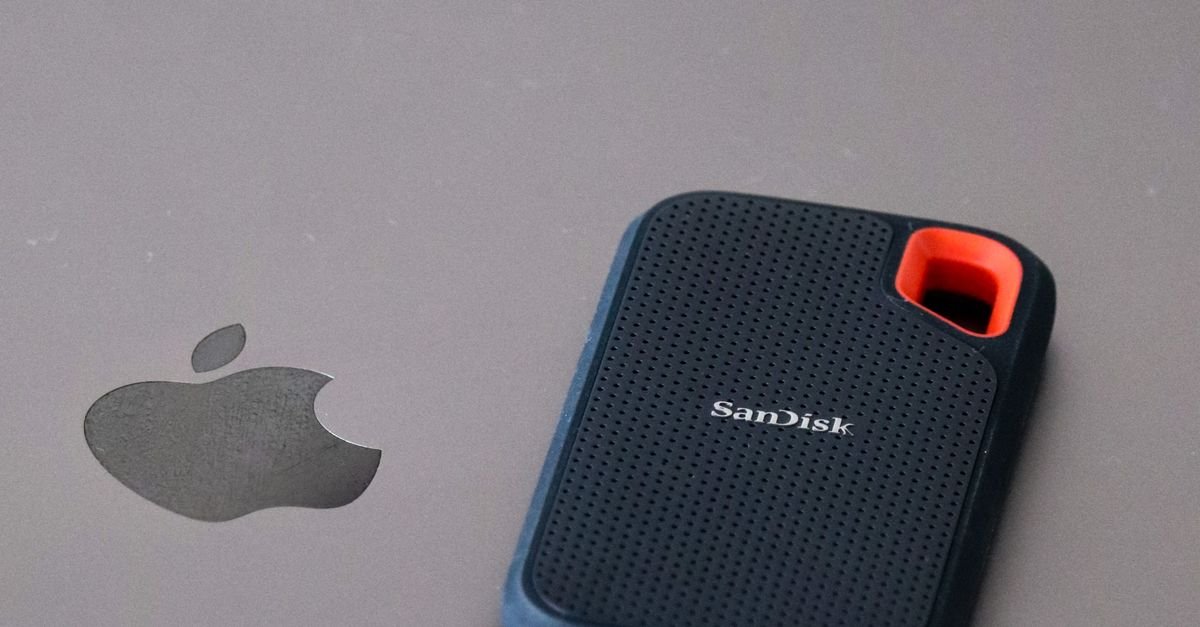
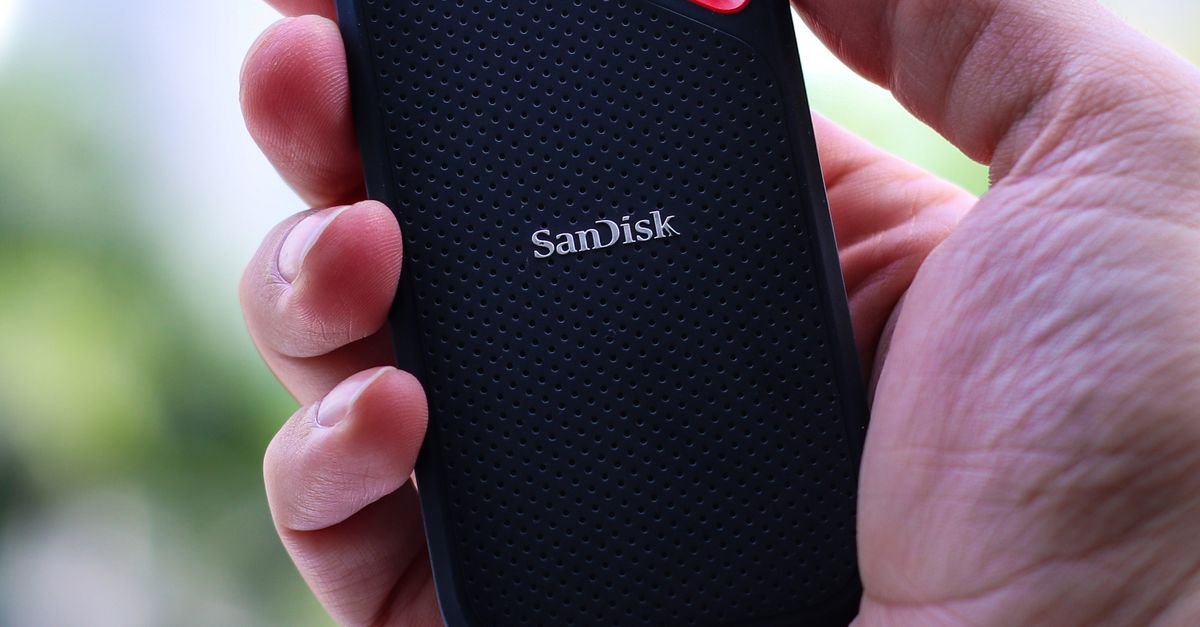
The SanDisk Extreme V2 is built for life outside the office. It’s IP65-rated against dust and water, drop-resistant, and features a handy carabiner loop to clip it to a bag or belt — ideal for field work, photographers, and anyone whose drive travels rough. Performance is strong at up to ~1,050 MB/s, and it includes hardware encryption for securing sensitive files. The rubberized, rugged build inspires confidence, and SanDisk’s storage pedigree backs it up. If your portable SSD needs to survive real-world abuse, this is a top choice.
- ✅ IP65 rugged build with carabiner loop
- ✅ ~1,050 MB/s read; hardware encryption
- ✅ Great for field work and travel
- ❌ Premium price over basic drives
Interface: USB 3.2 Gen 2 | Speed: ~1,050 MB/s | Best for: Rugged, on-site, and travel use
4. Samsung T9 — Best Premium Speed
The Samsung T9 is the step up for those who can actually use 20 Gbps speeds. Over a USB 3.2 Gen 2×2 port, it delivers up to ~2,000 MB/s read and write — double the mainstream drives — making it superb for moving large datasets, video files, and VM images quickly. It keeps a compact, grippy design with solid thermals to sustain those speeds, plus hardware encryption. The catch: you only get the full speed with a matching 20 Gbps port (many laptops top out at 10 Gbps). For workstations and power users with the right port, it’s exceptional.
- ✅ Up to ~2,000 MB/s over USB 3.2 Gen 2×2
- ✅ Sustains speed with good thermal design
- ✅ Compact, grippy, hardware-encrypted
- ❌ Needs a 20 Gbps port for full speed (falls back to 10 Gbps otherwise)
Interface: USB 3.2 Gen 2×2 | Speed: ~2,000 MB/s | Best for: Power users with 20 Gbps ports
5. WD My Passport SSD — Best for Everyday Backup
Western Digital’s My Passport SSD is a polished, reliable everyday backup drive with a distinctive textured metal design. It offers up to ~1,050 MB/s, comes with WD’s backup software and hardware AES 256-bit encryption, and is drop-resistant up to two meters. WD’s long heritage in storage and its trusted backup ecosystem make it a comfortable pick for people who want a set-and-forget backup drive that just works. It’s a great balance of speed, security, and brand reliability for protecting your important files.
- ✅ ~1,050 MB/s with bundled backup software
- ✅ Hardware AES 256-bit encryption
- ✅ Drop-resistant; trusted WD reliability
- ❌ No full IP dust/water rating
Interface: USB 3.2 Gen 2 | Speed: ~1,050 MB/s | Best for: Reliable everyday backups
6. SanDisk Extreme PRO V2 — Best for Creatives & Pros
The SanDisk Extreme PRO V2 targets professionals who need serious sustained speed. Over USB 3.2 Gen 2×2 it pushes up to ~2,000 MB/s, with a forged aluminum core that doubles as a heatsink to maintain performance during long transfers — exactly what you want when offloading hours of high-resolution video or huge project files. It’s IP65 rugged, hardware-encrypted, and built to professional standards. It’s a premium investment, but for video editors, photographers, and anyone moving massive files on deadline, the speed and durability earn their keep.
- ✅ Up to ~2,000 MB/s with aluminum heatsink core
- ✅ IP65 rugged + hardware encryption
- ✅ Sustains speed during long pro transfers
- ❌ Premium price; needs a 20 Gbps port for full speed
Interface: USB 3.2 Gen 2×2 | Speed: ~2,000 MB/s | Best for: Video/photo pros and large-file workflows
7. Crucial X9 Pro — Best Value High-Speed
The Crucial X9 Pro hits a lovely sweet spot: near-flagship ~1,050 MB/s performance over USB 3.2 Gen 2 in a slim, light, IP65-rated rugged body, at a noticeably friendlier price than the big-brand premium drives. It’s compact enough to disappear into a pocket, durable enough for travel, and fast enough for backups, working off the drive, and moving large files. With Crucial (Micron) memory behind it, reliability is strong. For anyone who wants premium-level speed and ruggedness without the premium price tag, it’s an outstanding value pick.
- ✅ ~1,050 MB/s at a value price
- ✅ IP65 rugged, slim and pocketable
- ✅ Backed by Crucial/Micron memory
- ❌ Less brand-name recognition than Samsung/SanDisk
Interface: USB 3.2 Gen 2 | Speed: ~1,050 MB/s | Best for: Value-focused speed and durability
8. LaCie Rugged SSD — Best for Field & Creative Work
The instantly recognizable orange-bumper LaCie Rugged SSD is a long-time favorite of photographers, videographers, and field professionals. Built (with Seagate) for durability, it’s drop-, dust-, and water-resistant and designed to take a beating on location, while delivering strong speeds for offloading and editing media. It often includes data-recovery service plans, which adds peace of mind for irreplaceable footage. It’s a premium, professional-grade drive — if your work takes your storage into the field and reliability is non-negotiable, the LaCie Rugged is purpose-built for you.
- ✅ Highly durable — drop, dust, and water resistant
- ✅ Trusted by creative pros for field work
- ✅ Often bundled with data-recovery plans
- ❌ Premium price for the rugged pedigree
Interface: USB 3.2 (varies by model) | Best for: Field professionals and creatives
Quick Comparison
| Drive | Speed | Rugged | Best For |
|---|---|---|---|
| Samsung T7 Shield | ~1,050 MB/s | IP65 | Best overall |
| Crucial X6 | ~800 MB/s | No | Budget |
| SanDisk Extreme V2 | ~1,050 MB/s | IP65 | Rugged |
| Samsung T9 | ~2,000 MB/s | No | Premium speed |
| WD My Passport SSD | ~1,050 MB/s | Drop | Everyday backup |
| SanDisk Extreme PRO V2 | ~2,000 MB/s | IP65 | Creatives/pros |
| Crucial X9 Pro | ~1,050 MB/s | IP65 | Value speed |
| LaCie Rugged SSD | Varies | Yes | Field/creative |
Portable SSDs and Your Backup Strategy
A portable SSD is a brilliant tool, but it shouldn’t be your only backup. The widely-recommended 3-2-1 rule is a solid baseline: keep 3 copies of important data, on 2 different types of media, with 1 copy off-site. A portable SSD makes an excellent fast local copy, but pair it with a cloud backup so a fire, theft, or loss doesn’t take everything at once. For teams and websites, automated, tested backups matter even more than the drive you use. See our guide to the best cloud backup solutions to cover the off-site half of the equation, and our rundown of website backup mistakes small businesses make.
Frequently Asked Questions
Are portable SSDs better than external hard drives?
For almost everyone, yes. Portable SSDs are dramatically faster (often 5–10x), far more durable (no moving parts to fail when dropped), smaller, and lighter than traditional external hard drives. The only area where hard drives still win is cost per terabyte for very large capacities — if you need 8TB+ of cheap archival storage, a hard drive is more economical. But for backups, working files, and anything you carry around, an SSD’s speed and durability are well worth it.
How much portable SSD speed do I actually need?
For backups, document storage, and general use, a USB 3.2 Gen 2 drive (~1,050 MB/s) is more than enough and the best value. The ~2,000 MB/s (20 Gbps) drives only reach full speed if your computer has a matching USB 3.2 Gen 2×2 or Thunderbolt port — which many laptops don’t — and mainly benefit professionals moving huge video files or datasets. Check your computer’s ports before paying for speed it can’t deliver; otherwise a fast drive simply runs at the slower port’s limit.
Do I need a rugged or waterproof SSD?
It depends on where the drive lives. If it mostly sits on your desk, a standard portable SSD is fine. If it travels in a bag, goes on-site, or you work outdoors or in dusty/wet conditions, an IP65/IP68-rated rugged model (like the Samsung T7 Shield or SanDisk Extreme) is worth the small premium for the dust, water, and drop protection. SSDs are already shock-resistant internally, so ruggedness is mainly about protecting the casing and ports.
Can I run software or boot an OS from a portable SSD?
Yes — modern portable SSDs are fast enough to work directly from, run portable applications, host virtual machines, or even boot an operating system (handy for a portable dev environment or recovery drive), provided your computer supports booting from USB. Performance won’t quite match an internal NVMe drive, but a good USB 3.2 Gen 2 SSD is responsive enough for many workflows. For development, carrying your environment on an encrypted SSD can be a genuinely convenient setup.
Is the data on a portable SSD secure?
It can be, with the right drive and habits. Many portable SSDs offer hardware AES 256-bit encryption, which protects your files if the drive is lost or stolen — enable it and use a strong password. For extra safety, you can also use software encryption (BitLocker, FileVault, or VeraCrypt). Remember that encryption protects against theft, not failure, so keep a separate backup. For sensitive business or client data, hardware-encrypted drives are well worth choosing.
The Bottom Line
A portable SSD is one of the best-value hardware upgrades for anyone who cares about their data — fast, durable, and pocketable. For most people, the Samsung T7 Shield is the ideal blend of speed, ruggedness, and value. On a budget, the Crucial X6 delivers reliable SSD backup cheaply, power users with 20 Gbps ports should look at the Samsung T9, and creative pros moving huge files will appreciate the SanDisk Extreme PRO V2. Whichever you choose, pair it with a cloud backup so you’ve got the off-site copy covered too.
Building out your developer setup? See our guides to the best laptops for programming, the best monitors for coding, and the best mechanical keyboards for programmers.


 Khan Nasir