 Khan Nasir
Buying a domain name is the first real step in putting anything online — a website, a blog, a business, or just claiming your name before someone else does. The good news is it’s quick, inexpensive, and far simpler than most beginners expect. The trickier part is doing it well: choosing a name you won’t regret, avoiding renewal traps, and not overpaying for add-ons you don’t need. This step-by-step guide walks you through the whole process, from picking the right name to completing the purchase with confidence.
Also Read


What Exactly Is a Domain Name?
A domain name is your website’s address — the part people type into a browser, like yourbusiness.com. Behind the scenes it points visitors to the server where your site lives. It’s worth understanding one thing up front: a domain and web hosting are two separate things. The domain is the address; hosting is the actual space where your website’s files are stored. You can buy them together or separately, and we’ll cover that choice below. When you “buy” a domain, you’re really registering it — renting the exclusive right to use it, usually for a year or more at a time.
Step 1: Brainstorm the Right Name
Your domain is part of your brand, so spend a little time here. A strong domain name is:
- Short and memorable — easier to type, share, and remember.
- Easy to spell and say — avoid tricky spellings, hyphens, and numbers that get lost when spoken aloud.
- Brandable — it should suit your business or identity, not just stuff in keywords.
- Free of trademark conflicts — don’t build on a name another company already owns.
Jot down several options, because your first choice is often already taken. Having a shortlist saves frustration at the next step.
Step 2: Check Availability
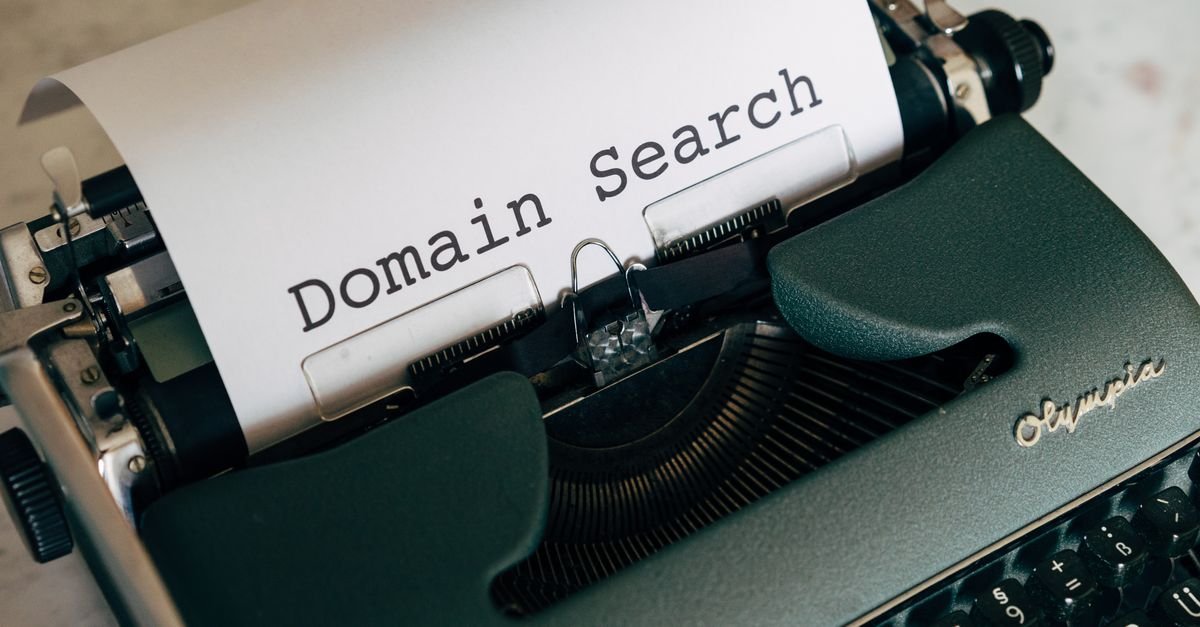
Once you have a few candidates, check whether they’re available using any registrar’s domain search tool. Type in your idea and you’ll instantly see if it’s free or taken, along with suggested alternatives. If your preferred name is gone, you’ll usually be offered variations or different extensions. Don’t settle for an awkward spelling just to keep a specific word — a clean, slightly different name almost always beats a clumsy version of your first pick.
Step 3: Choose the Right Extension (TLD)
The extension is the ending — .com, .net, .org, and so on. As a rule:
- .com is still the gold standard — most trusted and most expected. Get it if you can.
- .org suits nonprofits and organizations; .net is a common fallback.
- Niche extensions (.io, .co, .store, .blog, and many others) can work well for tech, startups, and specific industries.
- Country extensions (.uk, .ca, .com.bd) are smart if you serve a specific country.
If your ideal .com is taken, a relevant alternative extension is often better than a compromised .com spelling. Just be aware that .com remains what most people instinctively type.
Namecheap is one of the most popular registrars for low prices, free WHOIS privacy, and a beginner-friendly dashboard — a solid place to search and register your name.
Search Domain Names at Namecheap →
Affiliate disclosure: we may earn a commission if you register through this link, at no extra cost to you.
Step 4: Pick a Registrar You Can Trust
A registrar is the company you buy the domain from. They’re all selling the same thing — the registration — but they differ in price, renewal cost, and what they bundle in. When comparing, look beyond the first-year price (more on that next) and check for: free WHOIS/domain privacy, easy DNS management, transparent renewals, and decent support. If you’re choosing a registrar, our guide to how to choose the best domain registrar breaks down exactly what to compare.

Step 5: Watch the Renewal Price (The #1 Beginner Trap)
Here’s the mistake almost every first-timer makes: focusing only on the cheap first-year price. Many registrars advertise a low introductory rate, then renew at a much higher one. Before you buy, always check the renewal price, not just the signup price — that’s what you’ll actually pay every year afterward. A registrar with honest, consistent pricing can save you real money over the life of the domain. Registering for multiple years up front can also lock in a rate and means one less thing to remember.
Step 6: Decide on Add-Ons (Keep It Simple)
At checkout you’ll be offered extras. Here’s what’s worth it and what usually isn’t:
- Domain privacy (WHOIS protection) — hides your personal contact details from public records. Worth having; many good registrars now include it free.
- Auto-renewal — turn this on so you never lose your domain by forgetting to renew. Highly recommended.
- Hosting / email — useful if you’re ready, but you don’t have to buy them here. You can add them later or use another provider.
- Upsells you don’t understand — skip them. You can always add services later once you know you need them.
Step 7: Complete the Purchase
Add the domain to your cart, double-check the spelling (you can’t undo a typo once it’s registered), set the registration length, confirm privacy and auto-renew are set how you want, and pay. You’ll create an account with the registrar in the process — use a strong, unique password, since this account controls your domain. Within minutes the domain is yours, and you’ll manage it from your registrar dashboard.
What to Do After You Buy
Registering the name is just the start. Next steps usually include:
- Connect it to hosting — point your domain to your web host so a website can load on it. If you haven’t sorted hosting yet, see our guide on how to choose the right web hosting provider.
- Set up email — a professional address like you@yourdomain.com builds instant credibility.
- Enable auto-renew and secure the account — protect the domain you just invested in.

Frequently Asked Questions
How much does a domain name cost?
Most common domains cost a modest amount per year, with .com typically in the low double digits annually. Prices vary by extension and registrar, and premium or in-demand names can cost much more. Always check the renewal price, not just the first-year rate.
Do I own my domain name forever?
Not outright — you register it for a set period (usually yearly) and keep it as long as you renew on time. If you let it expire, it can become available for someone else to register, so enabling auto-renewal is wise.
Do I need web hosting to buy a domain?
No. A domain and hosting are separate. You can register a domain on its own and add hosting later, or buy both together. Many people secure a good name first, then set up hosting when they’re ready to build.
Should I buy domain privacy protection?
Yes, in most cases — it keeps your personal name, address, and contact details out of public WHOIS records, reducing spam and protecting your privacy. Many reputable registrars now include it for free.
Key Takeaways
- A domain is your web address; it’s separate from hosting and is registered (rented), not owned forever.
- Choose a short, memorable, brandable name and shortlist several, since good ones go fast.
- Prefer .com when possible, but a relevant alternative extension beats an awkward spelling.
- Always check the renewal price — the cheap first year is the most common beginner trap.
- Turn on auto-renew, add free domain privacy, skip upsells you don’t need, and secure your account.
Buying a domain name takes only a few minutes, but a little thought up front — a strong name, the right extension, and an eye on renewal pricing — saves you money and regret later. Pick your name, register it properly, and you’ve laid the foundation for everything you’ll build online next.


 Khan Nasir