 Khan Nasir
A VPN (virtual private network) has gone from a niche tech tool to something almost everyone can benefit from — whether you’re protecting your data on public Wi-Fi, keeping your browsing private, or working remotely with sensitive files. But with dozens of providers all claiming to be “the best,” choosing one is confusing. This guide cuts through the noise: what a VPN actually does, how to choose a good one, and which providers consistently stand out in 2026.
Also Read


What Does a VPN Actually Do?
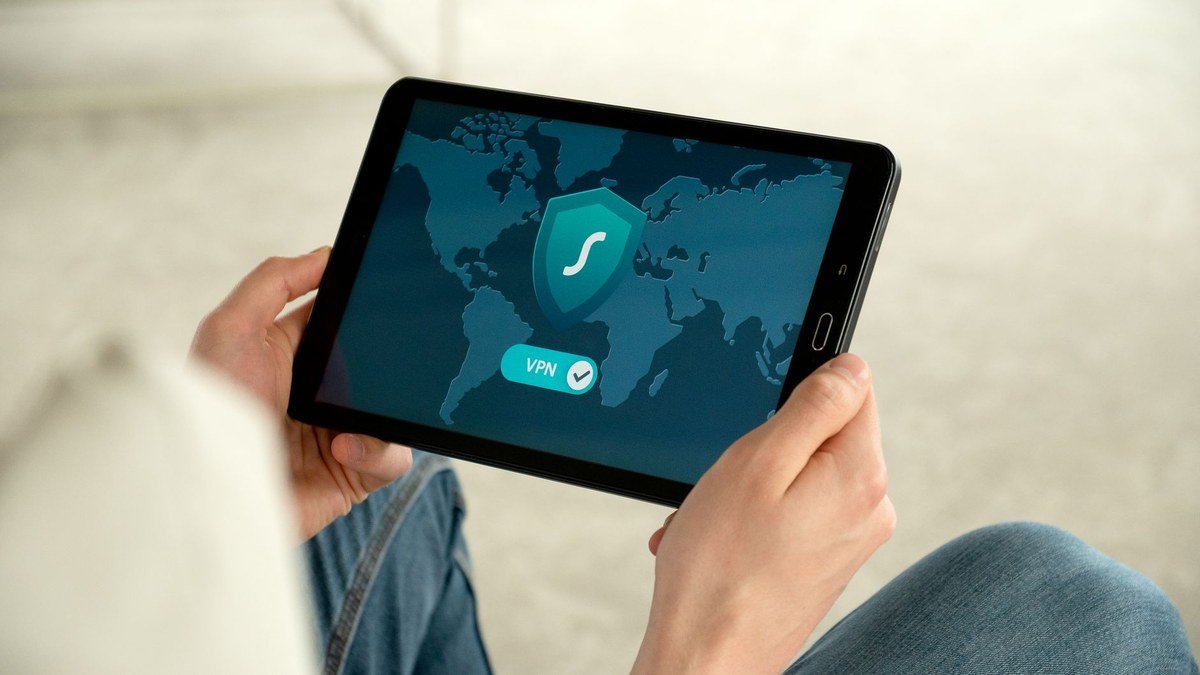
A VPN routes your internet connection through an encrypted tunnel to a remote server. In plain terms, it does two main things: it hides your real IP address (so websites and networks see the VPN’s location instead of yours), and it encrypts your traffic (so others on the network — including your internet provider or a hacker on public Wi-Fi — can’t read what you’re doing). The result is more privacy, more security, and the ability to access the internet as if you were somewhere else.
Do You Actually Need a VPN?
Not everyone needs one every minute of the day, but a VPN is genuinely useful if you:
- Use public Wi-Fi — cafes, airports, hotels; these are prime spots for data theft, and a VPN protects you.
- Work remotely — especially if you handle client or company data outside the office.
- Value your privacy — to stop your internet provider and websites from tracking and profiling your activity.
- Travel — to access your usual services and a safer connection on untrusted networks.
- Want more security overall on every device you own.
If two or more of those apply to you, a VPN is well worth the modest monthly cost.
How to Choose the Right VPN
Ignore the marketing hype and judge a VPN on these fundamentals:
Security & Encryption
Look for strong, modern encryption (AES-256 is the standard) and secure protocols. This is the core job of a VPN, so don’t compromise here.
No-Logs Policy
A trustworthy VPN doesn’t keep records of what you do online. The best providers have a clear, ideally independently audited, no-logs policy — because a VPN that logs your activity defeats much of the point.
Speed & Server Network
Encryption can slow your connection, so a good VPN minimizes the impact with fast servers. A large network of servers in many countries means better speeds and more options.
Ease of Use & Devices
Good apps for all your devices (computer, phone, tablet) and the number of simultaneous connections allowed matter — especially for families or anyone with several devices.
Price & Value
VPNs are affordable, particularly on longer plans. Compare the renewal price, not just the intro offer, and look for a money-back guarantee so you can test risk-free.
The Best VPNs in 2026
Based on the criteria above, two providers consistently lead the pack for everyday users:
NordVPN — Best Overall
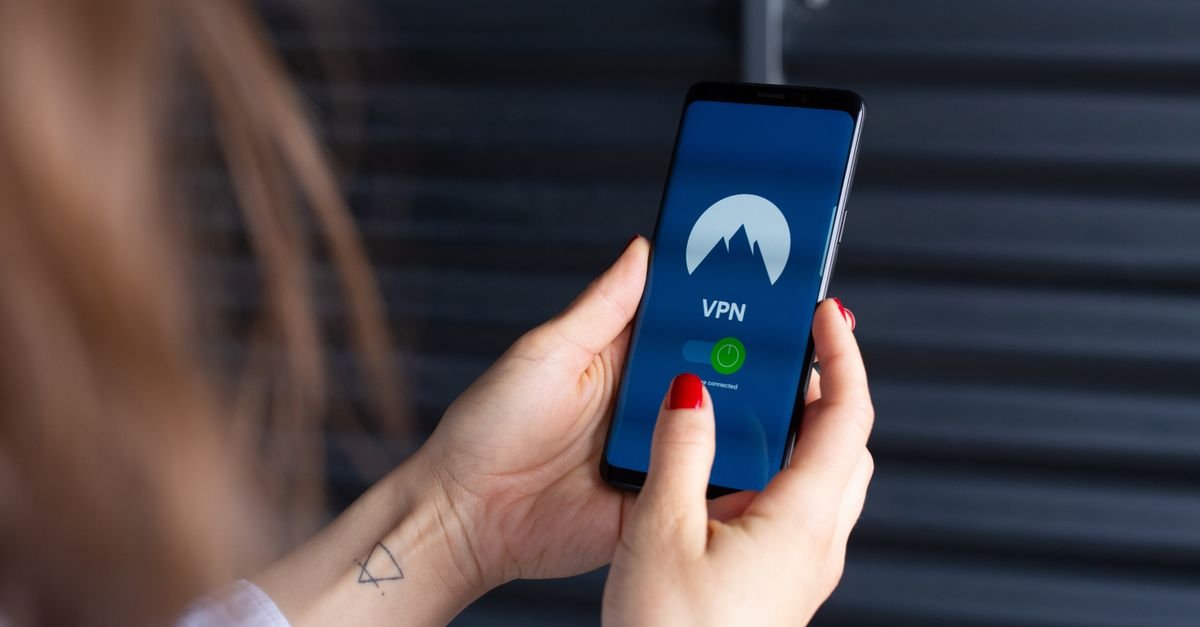
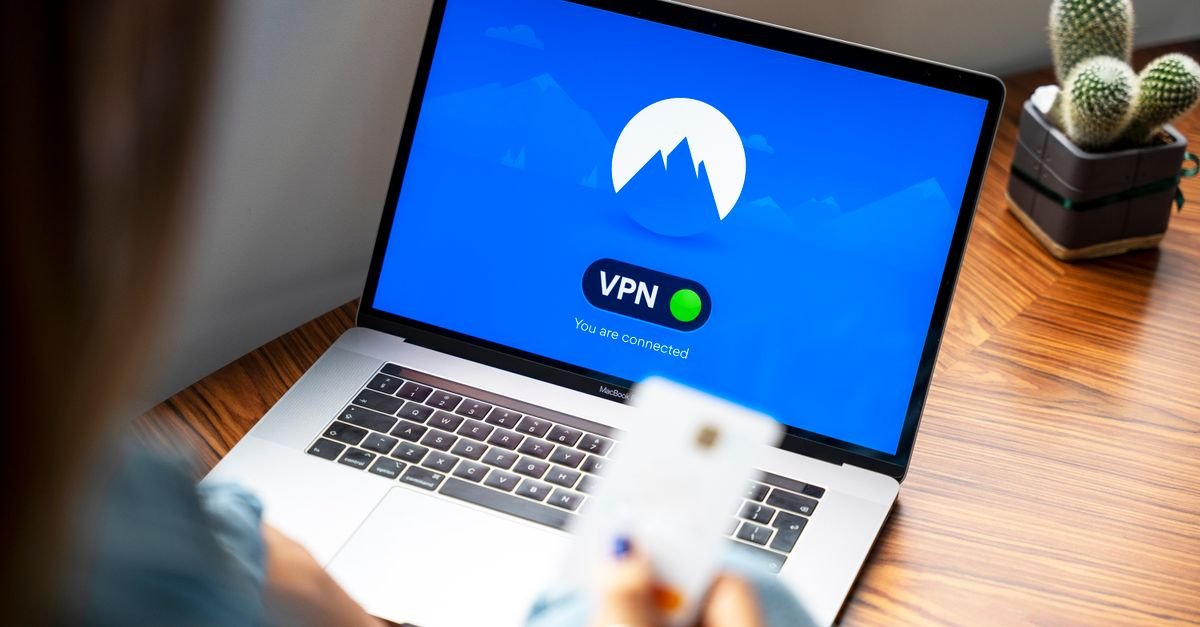
NordVPN is one of the most popular and well-rounded VPNs, known for strong security, a large fast server network, an audited no-logs policy, and easy apps across every platform. It also bundles useful extras like threat protection. For most people wanting a reliable, do-everything VPN, it’s the safe top pick.
Surfshark — Best Value
Surfshark stands out for offering strong security at a budget-friendly price, plus unlimited simultaneous device connections — ideal for families or anyone protecting many devices on one plan. It also offers an all-in-one security bundle (VPN plus antivirus and more), making it excellent value for households.
How to Set Up a VPN (It’s Easy)
Getting started takes only minutes:
- Choose a provider and pick a plan (longer terms cost less per month).
- Download the app for your device and sign in.
- Connect — tap the connect button to use the fastest server, or pick a specific country.
- Install it on your other devices too, using the same account.
Once connected, you browse normally — just with encryption and a hidden IP working quietly in the background.
Common VPN Myths
A few things to keep realistic: a VPN greatly improves privacy, but it doesn’t make you completely anonymous or replace good security habits like strong passwords and two-factor authentication. Free VPNs often come with serious trade-offs — data limits, slow speeds, intrusive ads, and in some cases logging or selling your data — so a reputable paid VPN is the safer choice for real protection. And a VPN protects your connection, not against scams or malware you click on yourself.
Frequently Asked Questions
What is the best VPN to use?
For most users, NordVPN is the best all-round choice thanks to its strong security, speed, and ease of use, while Surfshark is the best value — especially for families — with strong protection and unlimited device connections. The right one depends on your budget and how many devices you need to cover.
Is a VPN legal?
In most countries, yes — using a VPN for privacy and security is perfectly legal. A handful of countries restrict or ban them, so check local rules if you travel. Using a VPN does not make otherwise-illegal activities legal.
Will a VPN slow down my internet?
It can slightly, because your traffic is encrypted and rerouted, but a good VPN with fast servers keeps the impact small — often barely noticeable for everyday browsing and streaming.
Are free VPNs safe?
Often not. Many free VPNs limit data and speed, show ads, or even log and sell your data — undermining the privacy you wanted. A reputable paid VPN is inexpensive and far safer for genuine protection.
Key Takeaways
- A VPN encrypts your traffic and hides your IP — boosting privacy and security, especially on public Wi-Fi.
- It’s worth it if you use public networks, work remotely, value privacy, or travel.
- Choose on encryption, an audited no-logs policy, speed, device support, and honest pricing.
- NordVPN is the best all-round pick; Surfshark is the best value with unlimited devices.
- Avoid free VPNs for serious use, and remember a VPN complements — not replaces — good security habits.
A good VPN is one of the simplest upgrades you can make to your online privacy and security. Pick a reputable provider, install it on your devices, and you’ll browse more safely everywhere you go. For remote teams specifically, see our VPN guide for remote workers, and explore more in our Cloud & Security section.
NordVPN is our best all-round choice; Surfshark is the best value, with unlimited devices on one plan.
Affiliate disclosure: we may earn a commission if you sign up through this link, at no extra cost to you.

 Khan Nasir