 Khan Nasir
Two-factor authentication (2FA) adds a second step to logging in — on top of your password, you confirm your identity with something else, like a code from your phone. Even if someone steals your password, they still can’t get in. It’s one of the single most effective things you can do to protect your accounts. Here’s how it works.
Also Read


Key Takeaways
- 2FA adds a second proof of identity beyond your password.
- It blocks the vast majority of account takeovers, even if your password leaks.
- Authenticator apps and hardware keys are safer than SMS codes.
- Turn it on everywhere important: email, banking, hosting and your website.
- Keep backup codes so you’re never locked out.
What is two-factor authentication?
Two-factor authentication, or 2FA, is a security method that requires two different proofs of identity before you can log in.
The first factor is usually your password. The second is something else — typically a one-time code, an app confirmation, or a physical key.
Because an attacker would need both, a stolen password alone becomes useless.
The short Duo Security video below explains the idea clearly in a couple of minutes.
Why isn’t a password enough on its own?
Passwords fail constantly, through no fault of a strong one.
They get leaked in data breaches, reused across sites, guessed, or captured by phishing. Once a password is out, that single lock is open.
2FA adds a second lock that the attacker almost certainly can’t pick, which is why it’s so effective.
How does 2FA work?

The flow is simple from your side.
You enter your password as usual, then the service asks for a second factor — you approve a prompt, type a code, or tap a key.
Only after both succeed are you let in. The second step takes seconds but stops most intruders cold.
2FA vs MFA vs 2SV: what’s the difference?
These terms overlap, so here’s the quick version.
2FA uses exactly two factors. MFA (multi-factor authentication) means two or more — 2FA is a type of MFA.
2SV (two-step verification) is a looser term for any two-step login. In everyday use, people use them interchangeably.
What are the different types of 2FA?
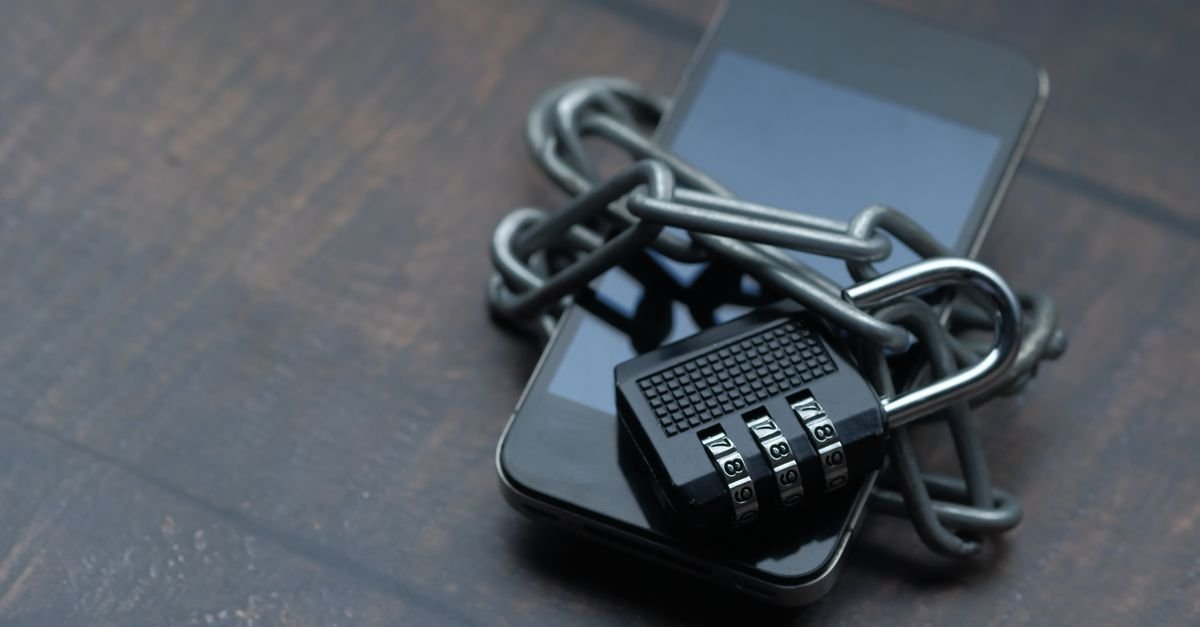
The second factor can take several forms.
- SMS/email codes: a one-time code sent to you. Convenient but the least secure.
- Authenticator apps: generate rotating codes on your phone (TOTP).
- Push notifications: approve a prompt with one tap.
- Hardware security keys: a physical device you plug in or tap.
- Biometrics: fingerprint or face, often as part of a passkey.
Which 2FA method is most secure?
They’re not all equal.
Hardware security keys are the strongest, followed by authenticator apps and push prompts. SMS codes are the weakest, though still far better than no 2FA at all.
The best method is the strongest one you’ll actually use consistently.
Is SMS-based 2FA safe?
It’s better than nothing, but it has real weaknesses.
Attackers can hijack your number through “SIM swapping,” and codes can occasionally be intercepted.
Use SMS if it’s the only option a site offers, but switch to an authenticator app or key where you can.
What is an authenticator app?
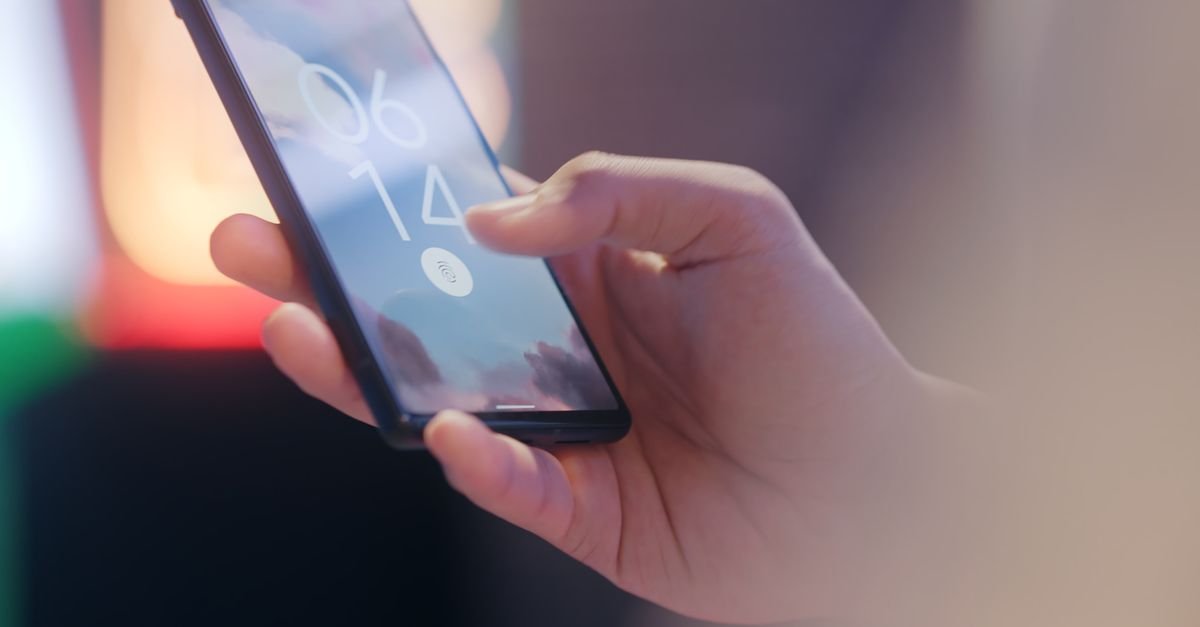
An authenticator app generates a fresh six-digit code every 30 seconds, right on your phone.
Because the codes are created on your device rather than sent over a network, they can’t be intercepted like SMS.
They’re free, widely supported, and a big security upgrade over text messages.
What is a hardware security key?
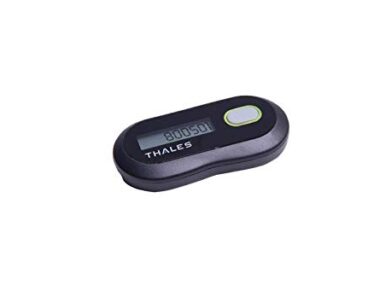
A hardware security key is a small physical device — often USB — that proves your identity when you tap or plug it in.
These use standards like FIDO2 and are considered the gold standard because they’re resistant even to phishing.
They’re ideal for high-value accounts like your primary email and hosting.
What are backup codes, and why do they matter?
Backup codes are one-time codes you save when setting up 2FA.
If you lose your phone or key, they let you back into your account.
Store them somewhere safe and offline — a password manager or a printed copy — because without them a lost device can lock you out.
Where should you enable 2FA?

Prioritize the accounts that unlock everything else.
- Your email — it can reset every other password.
- Banking and payment accounts.
- Your hosting and domain accounts.
- Your website’s admin (e.g. WordPress).
- Social media and cloud storage.
2FA for your website and WordPress
Your site’s login is a prime target, so protect it with 2FA.
Free plugins add two-factor authentication to the WordPress login in minutes, blocking the automated attacks that hammer login pages.
It’s a key step in our guide on how to secure your WordPress site.
2FA for your hosting account
Don’t overlook the account that controls your whole site.
If someone gets into your hosting dashboard, they can take everything. Enabling 2FA there is as important as on the site itself.
Reputable hosts offer it — turn it on. See the best WordPress hosting for providers that take security seriously.
What if you lose your 2FA device?
This is the fear that stops people enabling 2FA — but it’s manageable.
Use your backup codes to get in, or a recovery method you set up in advance. Registering a second factor (like a spare key or a second device) is smart insurance.
Set up recovery when you enable 2FA, not in a panic later.
Is 2FA foolproof?
It’s powerful, but not magic.
Sophisticated phishing can sometimes trick users into approving a login or handing over a code. That’s why phishing-resistant methods like hardware keys and passkeys are the strongest.
Stay alert to fake login prompts — our guide on protecting yourself from phishing helps.
2FA and the move to passkeys
The next step beyond passwords is already here.
Passkeys replace the password entirely with a device-based login (often your fingerprint or face) that’s phishing-resistant by design.
They build on the same ideas as strong 2FA and are worth adopting as more services support them.
Common 2FA mistakes
- Not enabling it on your most important accounts.
- Relying only on SMS when a safer option exists.
- Not saving backup codes, risking a lockout.
- Approving prompts you didn’t trigger — that’s an attacker trying to log in.
- Using one device with no recovery method set up.
What’s the difference between authentication and authorization?
They sound alike but mean different things.
Authentication proves who you are — that’s what 2FA strengthens. Authorization decides what you’re allowed to do once you’re in.
2FA is about the first: making sure the person logging in is really you.
What are TOTP and HOTP?
These are the standards behind authenticator-app codes.
TOTP (time-based) generates a new code every 30 seconds — the type most apps use. HOTP (counter-based) changes on each use instead.
You don’t need the details; just know your authenticator app relies on these open standards, which is why one app works across many services.
Is 2FA annoying? Balancing security and convenience
Honestly, it adds a few seconds — far less than you’d think.
Many services only prompt for 2FA on new devices or occasionally, and push or app-based methods are quick.
Weighed against the disaster of a hijacked account, the minor friction is well worth it, especially on important logins.
What is adaptive or risk-based authentication?
Smarter systems only challenge you when something looks unusual.
Log in from your usual device and location and you may sail through; log in from a new country and you’ll be asked for a second factor.
This keeps everyday logins smooth while still catching suspicious attempts.
2FA for teams and businesses
For organizations, 2FA isn’t optional — it’s a baseline.
Requiring it across staff accounts dramatically cuts the risk of a single stolen password compromising the whole business.
With strong passwords and good habits, it’s one of the cheapest, highest-impact security policies a business can adopt. See why cybersecurity matters.
Recovery codes vs backup methods
Always set up a way back in before you need it.
Backup codes are one-time codes you save securely. A second registered device or key is even better, giving you a fallback if your main one is lost.
Store recovery options somewhere safe and offline, separate from your phone.
Common myths about 2FA
- “It’s only for tech experts.” It takes minutes and apps guide you.
- “A strong password is enough.” Even strong passwords leak in breaches.
- “If I lose my phone I’m locked out forever.” Backup codes solve this.
- “2FA makes me unhackable.” It hugely helps, but stay phishing-aware.
A quick 2FA setup checklist
- Turn on 2FA for your email first.
- Use an authenticator app or hardware key over SMS.
- Save your backup codes somewhere safe.
- Register a second device or key if possible.
- Repeat for banking, hosting, and your website.
What is a passkey, and is it replacing 2FA?
Passkeys are a newer, passwordless way to log in using your device and biometrics.
They’re phishing-resistant by design and roll the password and second factor into one secure step.
They don’t so much replace 2FA as fulfill its goal more smoothly, and support is growing across major services.
Can 2FA be hacked?
It’s very strong, but not invincible.
Weaker methods like SMS can be attacked, and sophisticated phishing can trick users into approving a login. Hardware keys and passkeys resist even these.
The takeaway: any 2FA beats none, and phishing-resistant methods are best for critical accounts.
Does 2FA slow down logging in?
Barely, and less over time.
Many services remember trusted devices and only prompt occasionally. App and push methods take a couple of seconds.
The tiny delay is trivial next to the protection it provides on the accounts that matter.
What if a website doesn’t offer 2FA?
You have a few options.
Use the strongest unique password you can there, watch it closely, and consider whether the service is worth trusting with sensitive data.
Where 2FA is available, always turn it on — and prefer services that offer it for anything important.
How does 2FA fit into overall account security?
It’s one layer of several.
Strong unique passwords, a password manager, 2FA, and phishing awareness work together. No single measure is enough alone.
Together they make your accounts a hard target — see our guide on securing your site for the same layered thinking.
Is 2FA required by law or standards?
Increasingly, yes, in certain sectors.
Many industries and regulations now expect multi-factor authentication for handling sensitive data, and cyber-insurance often requires it.
Even where it isn’t mandatory, it’s fast becoming the baseline expectation for responsible security.
Frequently Asked Questions
What is two-factor authentication in simple terms?
Two-factor authentication (2FA) means proving your identity two ways when you log in: your password plus a second factor, like a code from your phone or a tap on an app. Because an attacker would need both, a stolen password alone isn’t enough to get into your account.
Why should I use 2FA?
Passwords leak, get reused, and are captured by phishing. 2FA adds a second lock that attackers almost never have, blocking the vast majority of account takeovers even when your password is compromised. It’s one of the highest-impact security steps you can take in minutes.
Which type of 2FA is the most secure?
Hardware security keys are the strongest, followed by authenticator apps and push prompts, with SMS codes the weakest (though still better than nothing). The best method is the most secure one you’ll use consistently across your important accounts.
Is SMS two-factor authentication safe?
It’s much better than no 2FA, but it has weaknesses: attackers can hijack your phone number through SIM swapping, and codes can occasionally be intercepted. Use SMS if it’s the only option, but prefer an authenticator app or hardware key when available.
What happens if I lose my phone with 2FA?
You use the backup codes you saved when setting up 2FA, or a recovery method you configured in advance, to get back in. Registering a second factor, such as a spare key or another device, is smart insurance against being locked out.
Where should I turn on 2FA first?
Start with your email, since it can reset the passwords for everything else. Then enable it on banking, your hosting and domain accounts, your website’s admin, and social and cloud accounts. Protect the accounts that unlock the most first.
Is 2FA completely hack-proof?
No security is absolute. 2FA stops the overwhelming majority of attacks, but sophisticated phishing can sometimes trick users into approving a login or sharing a code. Phishing-resistant methods like hardware keys and passkeys are the strongest defense, along with staying alert to fake prompts.
The bottom line
Two-factor authentication is one of the simplest, most powerful ways to protect your accounts — a second lock that stops a stolen password from becoming a disaster.
Turn it on for your email, hosting and website first, favor an authenticator app or hardware key over SMS, and save your backup codes.
Make it part of a wider security habit — start with our guide on securing your WordPress site.

 Khan Nasir