 Khan Nasir
Editor’s Plain-English Take
Container Orchestration Management Tools: Practical Guide is strongest when it removes workflow friction for developers instead of adding another tool to maintain.
Also Read


Best for
- Development teams that need repeatable deployments, testing, monitoring, or collaboration.
- Technical founders standardizing workflows before the team grows.
- Projects where mistakes in releases, APIs, or environments cost real time.
Avoid if
- Your team has not agreed on the workflow the tool should improve.
- Setup and maintenance cost more time than the problem it solves.
- The tool does not fit your current stack or skill level.
Human buying tip: Trial the tool on one real workflow, such as deployment, testing, monitoring, or API validation, before rolling it across the whole team.
Container orchestration management tools help teams deploy, scale, update, monitor, and recover containerized applications without manually managing every server or container. They are useful when an application has multiple services, frequent deployments, changing traffic, or strict uptime requirements.
The most common orchestration platform is Kubernetes, but it is not the only option. Some teams need full Kubernetes control. Others need a simpler managed container service, Docker Compose, Nomad, OpenShift, or a platform-as-a-service that hides most operational complexity.
What Is Container Orchestration?
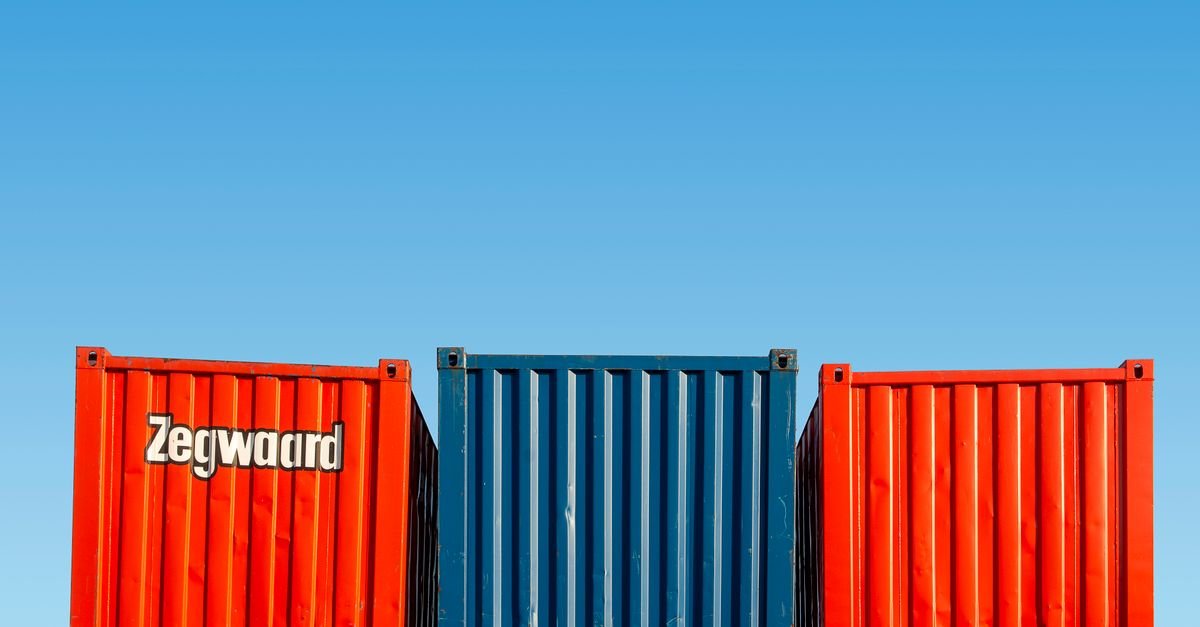
Container orchestration is the automated management of containerized applications across servers or clusters. It handles tasks such as scheduling containers, restarting failed services, scaling replicas, routing traffic, rolling out new versions, managing secrets, and attaching storage.
Without orchestration, a team must manually decide where each container runs, how it restarts after failure, how updates happen, and how traffic reaches the right service. That can work for small projects, but it becomes fragile as systems grow.
When You Need Orchestration
- Your application has multiple services: For example, frontend, API, worker, cache, and database connectors.
- You deploy often: Frequent releases need safe rollout and rollback workflows.
- You need high availability: Failed containers should restart automatically.
- Traffic changes: Services may need to scale up or down based on load.
- You run across multiple servers: Manual container placement becomes difficult.
- You need consistent environments: Staging and production should behave similarly.
When You May Not Need Kubernetes Yet
Kubernetes is powerful, but it can be too much for small teams if they do not have operational experience. If your site is a WordPress business, a simple PHP app, or a small API with low traffic, reliable hosting, backups, monitoring, and a straightforward deployment workflow may be a better first step.
For simpler hosting decisions, see our guide to best web hosting for small business. For release workflows before container orchestration, read release management software for development teams.
Top Container Orchestration Management Options
| Option | Best For | Tradeoff |
|---|---|---|
| Kubernetes | Teams needing strong ecosystem support, scaling, service discovery, and cloud-native workflows. | Powerful but operationally complex. |
| Managed Kubernetes | Teams that want Kubernetes without managing the control plane. | Still requires Kubernetes knowledge. |
| OpenShift | Enterprise teams that need Kubernetes plus governance, developer workflows, and Red Hat ecosystem support. | Can be more expensive and complex. |
| Docker Compose | Local development, small deployments, and simple multi-container apps. | Not ideal for large production clusters. |
| Nomad | Teams wanting simpler orchestration for containers and non-container workloads. | Smaller ecosystem than Kubernetes. |
| Serverless containers | Teams that want to run containers without managing clusters. | Less low-level control. |
| Platform as a service | Small teams prioritizing speed and simplicity over infrastructure control. | Can create platform lock-in. |
Core Features To Compare
- Scheduling: Decides where containers should run.
- Self-healing: Restarts failed containers and replaces unhealthy instances.
- Scaling: Adjusts replicas based on traffic or resource usage.
- Service discovery: Lets services find and communicate with each other.
- Load balancing: Routes traffic across healthy containers.
- Rolling updates: Deploys new versions without taking everything offline at once.
- Rollback: Returns to a previous version when a release fails.
- Secrets management: Protects tokens, credentials, and configuration.
- Storage support: Handles persistent data for stateful workloads.
- Observability: Connects logs, metrics, traces, and alerts.

Kubernetes Management Layers
Most Kubernetes teams eventually add management layers because raw Kubernetes can become difficult to operate. These layers can help with deployments, GitOps, policy, observability, service mesh, storage, and developer self-service.
| Layer | Purpose | Example Tools |
|---|---|---|
| GitOps deployment | Uses Git as the source of truth for cluster/application state. | Argo CD, Flux |
| Package management | Installs and manages Kubernetes application templates. | Helm, Kustomize |
| Policy and governance | Controls what can run in the cluster. | OPA Gatekeeper, Kyverno |
| Ingress and traffic | Routes external traffic to services. | NGINX Ingress, Traefik, cloud load balancers |
| Observability | Monitors cluster and application health. | Prometheus, Grafana, Datadog |
| Secrets | Manages credentials and sensitive configuration. | Vault, cloud secret managers, Sealed Secrets |
| Developer portal | Gives developers self-service access to services and workflows. | Backstage, Port, internal platform tools |
How To Choose The Right Tool
Choose the smallest orchestration approach that meets your reliability, scaling, and release needs. A complex platform should solve a real operational problem, not simply look impressive.
| Situation | Practical Choice |
|---|---|
| Single small web app | Traditional hosting, managed app platform, or simple container service. |
| Small multi-container app | Docker Compose or managed container hosting. |
| Growing SaaS app | Managed Kubernetes or serverless containers. |
| Enterprise platform team | Kubernetes, OpenShift, GitOps, policy, and observability stack. |
| Edge or distributed workloads | Kubernetes edge tooling, K3s, or specialized edge orchestration. |
| Team lacks DevOps capacity | Managed platform before full Kubernetes. |
Container Orchestration And Deployment Automation
Orchestration and deployment automation work together. Orchestration keeps containers running. Deployment automation controls how new versions are built, tested, released, and rolled back. A healthy setup connects CI/CD, container registry, orchestration, monitoring, and release notes.
For the deployment pipeline side, see application deployment automation systems. For connecting CI/CD, APIs, monitoring, and developer workflows, see developer tool integration platforms.
Common Mistakes To Avoid
- Choosing Kubernetes too early: If the team cannot maintain it, Kubernetes can slow delivery.
- Ignoring observability: Containers fail quietly unless logs, metrics, and alerts are connected.
- Running stateful services carelessly: Databases and storage need stronger planning than stateless apps.
- No resource limits: Containers can consume too much CPU or memory without limits.
- No rollback plan: Orchestration makes rollout easier, but rollback still needs testing.
- Weak secrets management: Secrets should not be baked into images or stored casually in manifests.
- Unclear ownership: Every cluster, namespace, service, and deployment should have an owner.
Implementation Checklist
- Define whether orchestration is truly needed for the current workload.
- List application services, dependencies, and traffic patterns.
- Decide between managed platform, managed Kubernetes, OpenShift, Nomad, or simpler hosting.
- Create container images with consistent build steps.
- Use a container registry with access controls.
- Set CPU and memory requests/limits.
- Add health checks and readiness checks.
- Connect deployment automation and release approval workflow.
- Add monitoring, logging, and alerting before production launch.
- Document rollback and incident response steps.
Recommended Learning Resources
The resources below can help developers go deeper into Kubernetes, OpenShift, Docker, container management, and DevOps operations. Some links may be affiliate links, which means ClickOn24 may earn a commission at no extra cost to you.
- OpenShift Multi-Cluster Management Handbook – useful for enterprise OpenShift and GitOps workflows.
- Docker Unboxed – useful for learning container fundamentals.
- Linux Container Management with LXD – useful for Linux container operations.
- DevOps Toolchain Mastery – useful for broader DevOps workflow planning.

Frequently Asked Questions
Is Kubernetes the same as Docker?
No. Docker is commonly used to build and run containers. Kubernetes is an orchestration platform that manages containers across clusters. Docker can be part of the workflow, while Kubernetes handles scheduling, scaling, networking, and recovery.
Do small businesses need container orchestration?
Not always. Many small businesses are better served by reliable managed hosting, backups, caching, and simple deployment automation. Container orchestration becomes more useful when applications have multiple services, frequent releases, or scaling needs.
What is managed Kubernetes?
Managed Kubernetes is a cloud service where the provider manages the Kubernetes control plane. The team still manages applications, configurations, security, observability, and cost, but the provider reduces control-plane maintenance.
What is GitOps in container orchestration?
GitOps uses Git as the source of truth for application and infrastructure state. A tool such as Argo CD or Flux watches the repository and applies approved changes to the cluster, improving traceability and consistency.
Bottom Line
Container orchestration management tools can make complex applications more reliable, scalable, and repeatable. The key is choosing the right level of complexity. Start with the simplest platform that meets your needs, then add Kubernetes, GitOps, policy, and developer-platform layers only when the team has a real operational reason to use them.


 Khan Nasir