 Khan Nasir
Somewhere between your laptop and the wider internet stands a bouncer. It checks every packet of data trying to enter, turns away the shady ones, and has been quietly doing this — millions of times an hour — since before you finished this sentence.
Also Read


That bouncer is a firewall. You already own several. Let’s finally understand what they actually do.
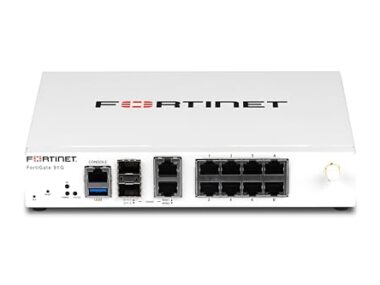
Quick answer: A firewall is a security system that monitors traffic between networks — typically between your device or network and the internet — and allows or blocks it based on rules. Think of it as a bouncer with a guest list: expected, legitimate traffic gets in; unsolicited or suspicious connection attempts get turned away at the door. You’re already behind several — in your router, your operating system, and (if you run a website) your host’s network.
Key Takeaways
- A firewall = rules-based traffic control between your network/device and the outside world.
- The core logic: outbound requests you make are expected; unsolicited inbound attempts are suspects.
- You already run several: router firewall + OS firewall — and your website has host and application-level ones.
- WAFs (web application firewalls) protect websites specifically — filtering hacks like SQL injection before they reach your site.
- Firewalls block uninvited guests, but not threats you invite in — phishing links and malicious downloads walk past them.
- For most people, the job is simply: leave them ON, keep them updated — the defaults are good.
What Does a Firewall Actually Do?
At its heart, a firewall answers one question, endlessly: “Should this connection be allowed?”
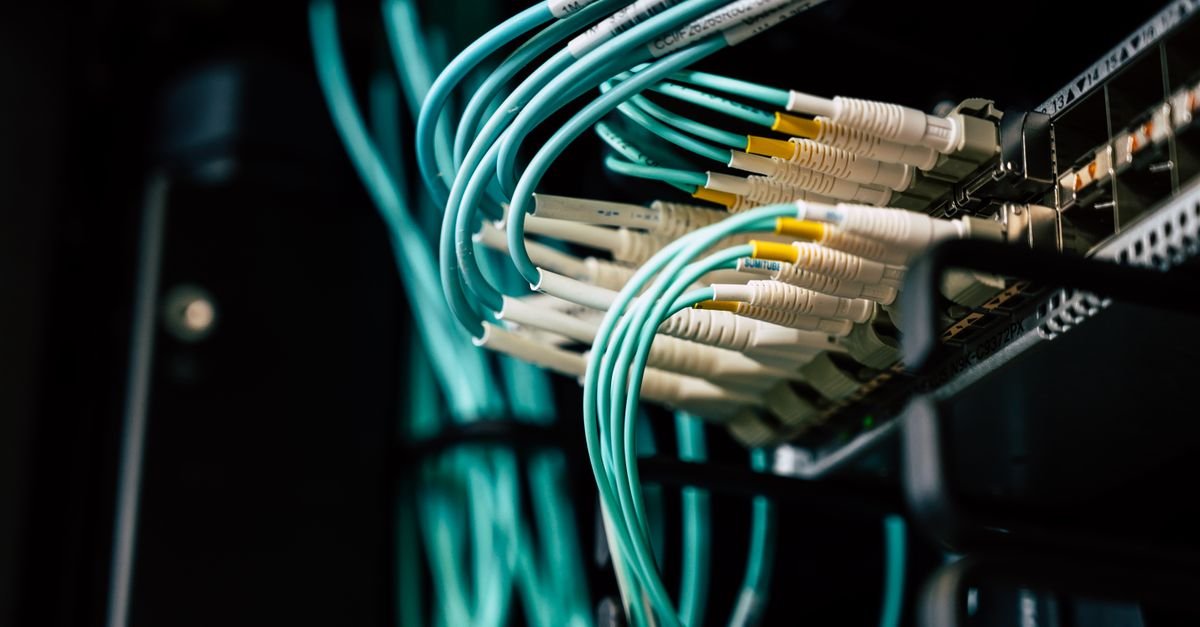
Internet traffic travels in packets — small chunks of data, each labeled with where it’s from, where it’s going, and which port (numbered door) it wants. The firewall reads those labels against its rulebook and delivers a verdict: pass, or drop.
The magic is in the default posture: traffic you request is welcomed back; traffic nobody asked for is denied. When you load a website, your request goes out and the response is expected — the door opens. When a random scanner on the internet probes your address uninvited, no one inside asked — the knock goes unanswered.
That single principle — “did someone inside ask for this?” — blocks the overwhelming majority of drive-by attack traffic on the internet.
Why Is It Called a “Firewall”?
The name is borrowed from construction: a literal firewall is a fireproof barrier built between sections of a building to stop flames spreading from one to the next.
Network firewalls do the same job with damage instead of fire — a barrier between network zones (the wild internet on one side, your trusted devices on the other) that keeps trouble in one zone from spreading into the next.
It’s one of tech’s more honest metaphors: a containment wall, standing between you and whatever’s burning out there.
How Does a Firewall Decide? (Rules, Ports, and States)
Three concepts explain 90% of firewall behavior:
Rules
The guest list: allow web traffic out; allow the replies back in; block everything unsolicited; maybe allow one specific service (like a game server) through a named door. Every firewall is just these if-then rules, evaluated at speed.
Ports
Numbered doors on every device — web traffic uses 80/443, email has its own, remote access (like SSH) uses 22. Firewalls open the handful of doors life requires and keep the other ~65,000 shut. An attacker “port scanning” you is walking the corridor testing every handle — a good firewall makes every door read as locked, or better, invisible.
Stateful inspection
Modern firewalls remember conversations: they track which connections you initiated and admit only packets belonging to those ongoing exchanges. This memory of “state” is what separates today’s firewalls from the dumb packet-checkers of the 1990s — and it’s why the uninvited packet has no story that checks out.
Which Firewalls Are Already Protecting You?
Good news: you’re not shopping — you’re inventorying. The typical person sits behind three layers already:
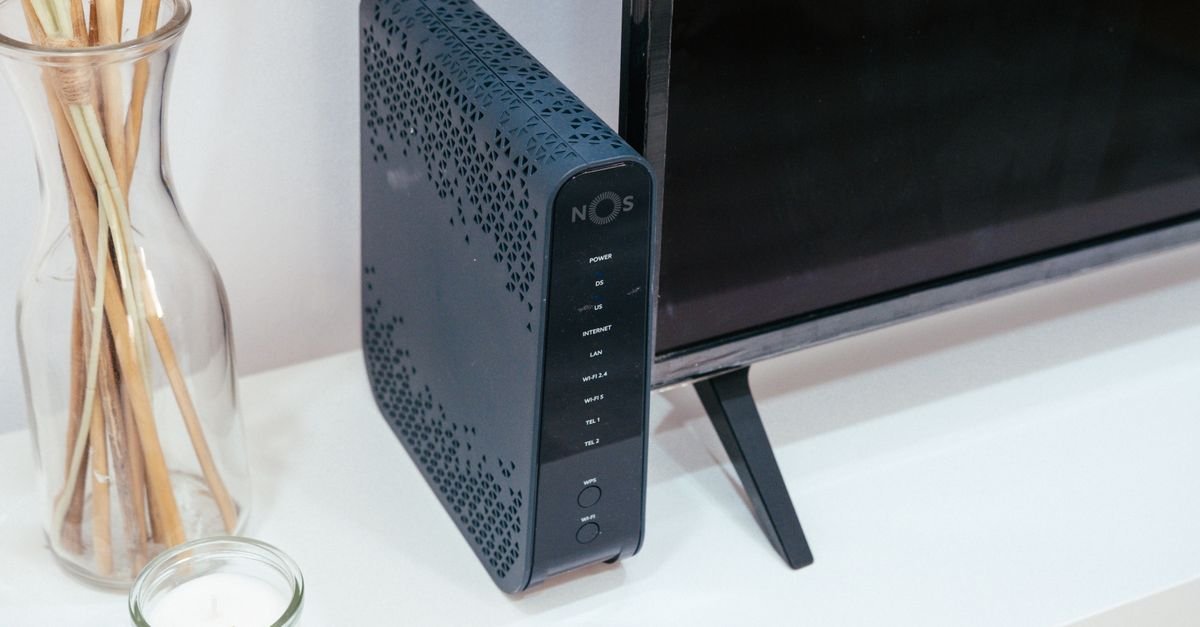
1. Your router’s firewall. The box from your ISP performs NAT (sharing one public address among your devices) — which inherently hides your devices from direct contact — plus an actual firewall on top. This is your home’s front-door bouncer.
2. Your operating system’s firewall. Windows Defender Firewall and macOS’s built-in firewall guard each device individually — crucial on café and airport WiFi, where the network itself offers no protection and the laptop must defend itself.
3. Your apps’ quiet layers. Browsers sandbox pages, antivirus suites add filtering — modern security is bouncers all the way down.
The job for a normal user isn’t configuration — it’s simply don’t turn them off (and be suspicious of any tutorial that casually tells you to).

What Protects Your Website? (Enter the WAF)
If you run a website, a different specialist joins the roster: the web application firewall.
Regular firewalls guard network doors. But your website’s door — port 443 — must stay open to everyone; that’s the point of a website. Attacks against sites therefore walk through the open door disguised as normal web requests: malicious database commands tucked into forms (SQL injection), scripts hidden in comment fields (XSS), login-guessing floods.
A WAF inspects the content of web requests — not just their addresses — and filters the poisoned ones before they reach your site’s code.
Where you meet WAFs in practice: services like Cloudflare bundle one with their reverse proxy, security plugins offer application-level versions, and good hosts run network defenses that overlap — the same layered thinking from our DDoS guide, because WAFs and DDoS mitigation are teammates on the same wall.
What Are the Main Types of Firewalls? (The Field Guide)
Packet-filtering firewalls — the original: check each packet’s addresses and ports against rules, no memory. Fast, simple, historical.
Stateful firewalls — the modern standard: track conversations, admit only packets belonging to legitimate ongoing exchanges. What your router and OS run.
Application-layer firewalls / WAFs — read the actual content of traffic for one protocol (usually web), catching attacks disguised as normal requests.
Next-generation firewalls (NGFW) — the enterprise Swiss Army knife: stateful inspection plus deep packet inspection, intrusion prevention, and app-awareness in one box. What corporate networks deploy at their perimeter.
Cloud firewalls — the same logic as a service: cloud providers let you define traffic rules (security groups) around servers, and we’ve covered the AWS flavor in setting up firewalls for AWS hosting.
Under every acronym, the same bouncer: rules, doors, verdicts.

What Can’t a Firewall Protect You From?
The honest section — because firewalls have a precise blind spot: threats you invite in.
Phishing. You clicking a fake login link is outbound traffic you requested. The firewall waves it through — you asked.
Malicious downloads. That “free” software you chose to download rode in on a connection you initiated. (Antivirus exists for exactly this gap.)
Compromised accounts. An attacker logging in with your stolen password looks identical to you logging in. Passwords and two-factor authentication guard that door.
Threats already inside — an infected laptop attacking your own network is behind the wall, not outside it.
This is why security people preach layers: firewall + updates + strong auth + 2FA + healthy skepticism. The wall handles the uninvited; the other layers handle the invited mistakes. IBM’s security primers frame defense-in-depth the same way — no single layer is the plan; the stack is the plan.
Do You Need to Configure Anything? (The Practical Checklist)
For most readers, firewall duty is a five-minute audit, not a project:
- Confirm the OS firewall is on — Windows Security → Firewall, or macOS System Settings → Network → Firewall. On = done.
- Change your router’s admin password from the default — the wall is only as good as who can rewrite its rules.
- Update router firmware occasionally — firewalls are software; software has patches.
- Don’t forward ports you can’t explain. Every forwarded port is a propped-open door; if a tutorial demands one, understand why first.
- Public WiFi = OS firewall + “public network” profile — and ideally a VPN for the encryption layer (our VPN guide covers that lane).
- Website owners: put a WAF in front (Cloudflare’s free tier is the classic start) and let your host’s protections overlap. Layered beats perfect.
And if you’re choosing where your site lives: pick hosts that layer network-level protection for you — our budget pick is Hostinger.
Check Hostinger plans →
Firewall Myths, Corrected
“A firewall makes me unhackable.” It closes uninvited doors — brilliantly. It does nothing about the links you click or passwords you reuse. One layer, not the armor.
“Firewalls slow down your internet.” Modern stateful inspection happens at line speed on hardware built for it — the delay is measured in microseconds. Turning it off for “performance” trades nothing for real exposure.
“I have antivirus, so I don’t need a firewall.” Different jobs: firewalls stop uninvited connections; antivirus inspects files and programs that got in. They’re teammates, not substitutes.
“Macs don’t need firewalls.” Every networked device benefits from one — and macOS ships one for a reason. Enable it, especially on laptops that travel.
“My site is too small to need a WAF.” Bots don’t read traffic stats before probing login pages — small sites face the same automated attacks as big ones, minus the security team. Free WAF tiers exist precisely for this.
Do Phones Have Firewalls Too?
Effectively yes — just wearing different clothes.
iOS and Android don’t ship a user-facing “firewall” toggle, but the same protections run under the hood: apps are sandboxed away from each other, unsolicited inbound connections are refused by default, and cellular networks add their own carrier-grade barriers between the internet and your device.
The phone-specific risks live elsewhere — malicious apps you install and public WiFi eavesdropping. The mobile equivalents of firewall hygiene: install from official app stores only, review app permissions occasionally, and use a VPN on open WiFi.
Same lesson as the desktop: the walls are already built — the invited threats are yours to manage.
Frequently Asked Questions
What is a firewall in simple terms?
A security bouncer for network traffic: it checks every connection against rules and lets in only what’s expected — traffic you requested comes back through; unsolicited attempts from the internet get turned away at the door.
What does a firewall protect against?
Uninvited inbound connections: port scans, remote break-in attempts, worms probing for open services, and (in web application firewalls) attacks disguised as web requests like SQL injection. It does not protect against phishing links you click or files you choose to download.
Do I already have a firewall?
Almost certainly several: your home router includes one, and Windows and macOS both ship with built-in firewalls that are on by default. The main job is simply keeping them enabled and your router’s firmware and admin password maintained.
What is the difference between a firewall and antivirus?
A firewall controls network connections — who can talk to your device. Antivirus inspects files and programs for malicious behavior once something is on the device. They cover different attack paths and work best together.
What is a WAF (web application firewall)?
A firewall specialized for websites: since a site’s door must stay open to visitors, a WAF inspects the content of incoming web requests and blocks attacks disguised as normal traffic — SQL injection, cross-site scripting, and login-flooding among them.
Should I ever turn my firewall off?
Practically never — and be suspicious of any guide that asks you to. If a legitimate app needs access, add a specific rule (or port forward) for it rather than dropping the whole wall. On public WiFi, the firewall is your primary defense.
Does a firewall stop DDoS attacks?
Only partially — a firewall drops the junk packets, but a large flood can still saturate your connection before rules help. Real DDoS defense sits upstream on bigger networks (CDNs and scrubbing services), with the firewall as one layer of the stack.
The bottom line
A firewall is the internet’s most reliable bouncer: rules at the door, memory of who was invited, and a permanent policy against unsolicited knocks. Yours are already hired and on duty — keep them switched on, keep the router honest, add a WAF if you run a site, and save your worry for the threats that arrive by invitation.


 Khan Nasir